
 Doc Summary

Make a Payment Link #
Here’s the straightforward way to create your payment link:
- Navigate to Payments > Payment Links.
- Click Create New Payment Link.
- Select your product.
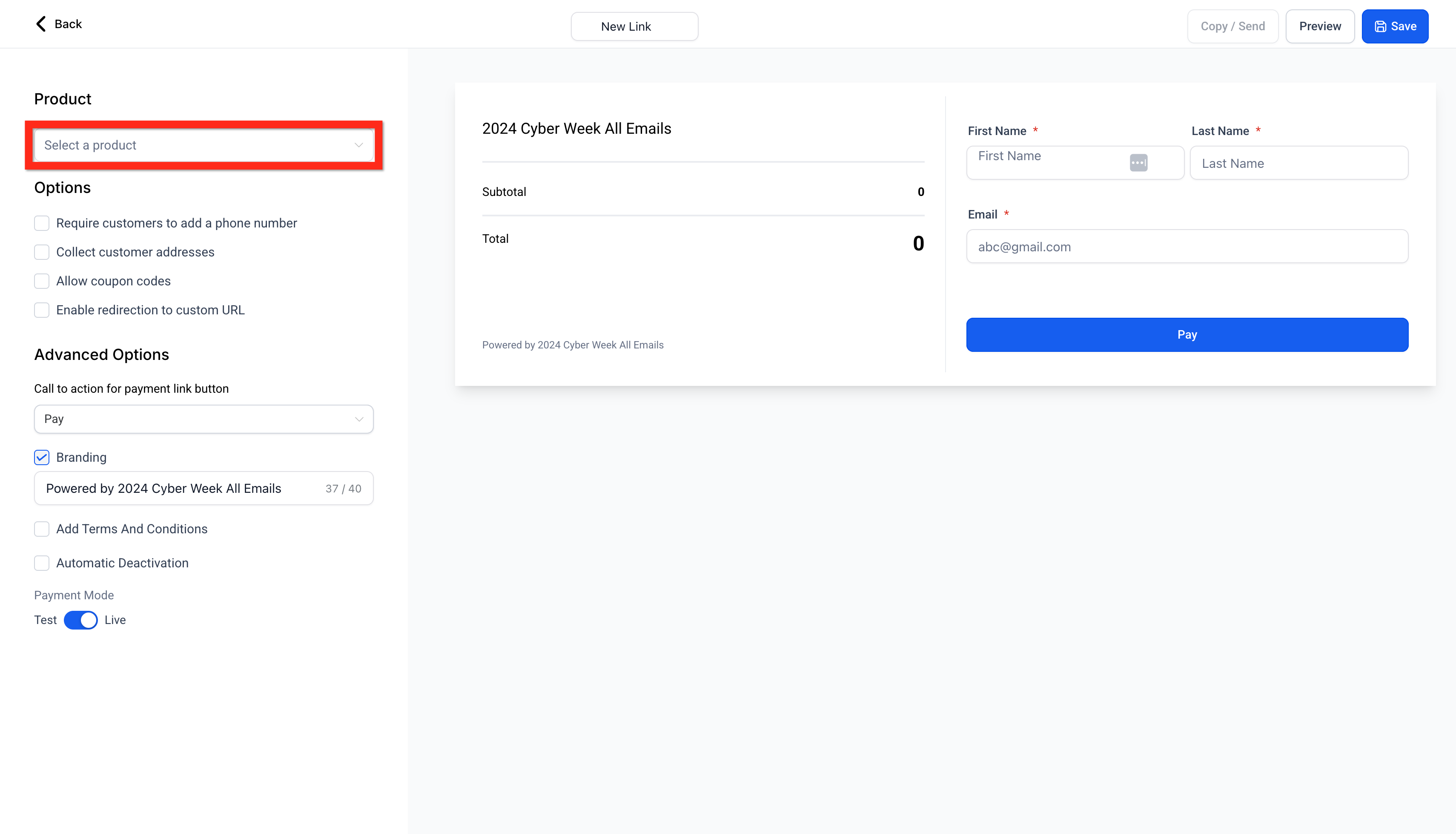
- Configure your product by setting quantities, options, and other preferences.
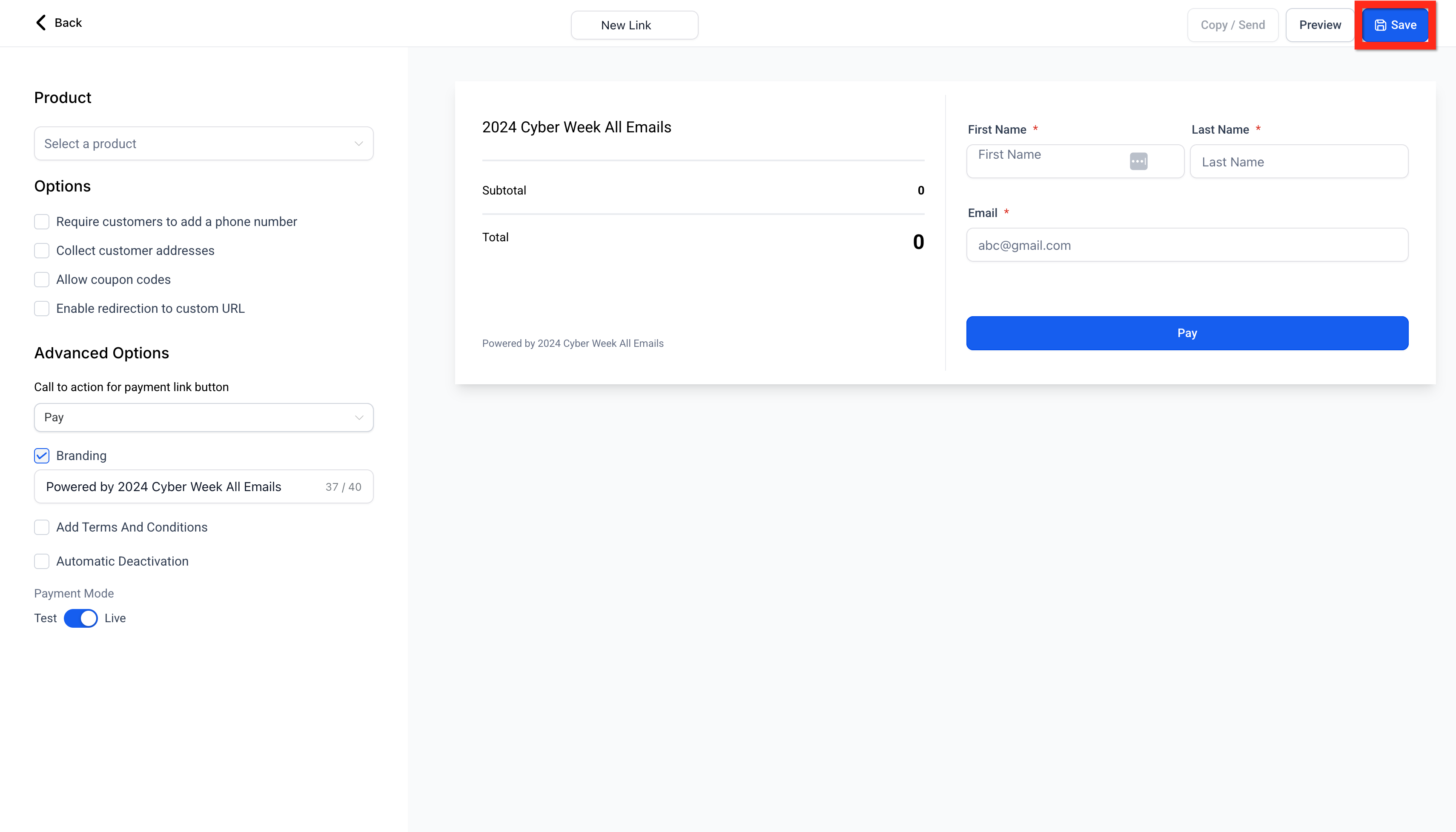
- Click Save.Tip: The hosted checkout adapts to the Platform Language configured in Business Profile. Supported languages include English, Danish, German, Spanish, Finnish, French (regional variants), Italian, Dutch, Norwegian, Portuguese (regional variants), and Swedish.
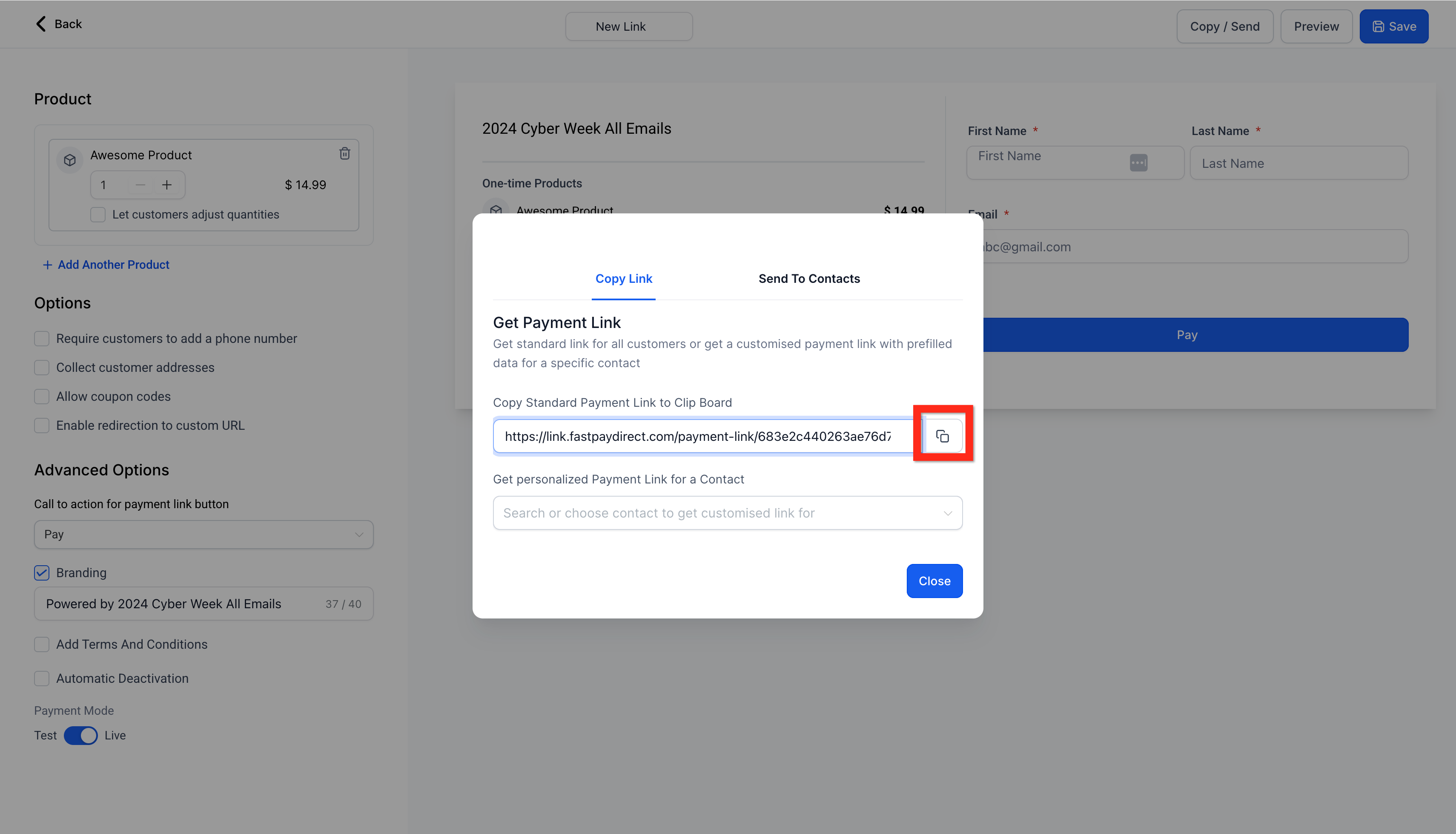
- Click Send to share your payment link:
- Generic link: Anyone with the link can access it.
- Personalized link: Only the specified recipient can access it.
- Send to contacts: Share directly with your saved contacts for added convenience.
Now that your payment link is ready, why not customize your customer experience further?


